
Compiling the Linux Kernel for Embedded Systems

The kernel is the foundation of any Linux system. It manages interactions with hardware components as well as program execution, memory allocation, etc.
28/08/2020
Nathanaël Landais
Prerequisites
This article assumes you've already generated a toolchain for your ARM embedded system. If not, you can start with the previous article on configuring and generating a Linux filesystem with Buildroot.
Now that you have your toolchain and filesystem, you're still missing one essential element: the kernel!
The kernel is the foundation of any Linux system. It manages interactions with hardware components as well as program execution, memory allocation, etc. The kernel is the first component of your Linux system to come into play.
Getting the Kernel
The official version of the Linux kernel is available on the kernel.org website.
As we did for Buildroot, we'll use the LTS version (labeled longterm 5.4.61) for our example, but nothing prevents you from taking the latest stable version—the process will be the same!
The complete kernel sources are available via the "tarball" link.
Download the archive and extract it. We're ready to move on!
Configuring Your Environment
Remember the "output" folder generated by Buildroot? Inside is a "host" folder—that's your toolchain. Before configuring the kernel, you'll need to change some environment variables to tell the kernel which architecture you want to compile for and where your toolchain is located.
For an ARM architecture with the toolchain generated by Buildroot:
export ARCH=arm
export CROSS_COMPILE=arm-linux-
export PATH=$PATH:path_to_buildroot/output/host/bin
What we're doing here:
- We define the target architecture as ARM
- We specify the prefix used by all toolchain compilation tools (e.g., arm-linux-g++)
- We add the toolchain's bin folder to the path
Configuring the Linux Kernel for ARM
The kernel provides default configuration files adapted to different SoCs. To list available configuration files:
make help
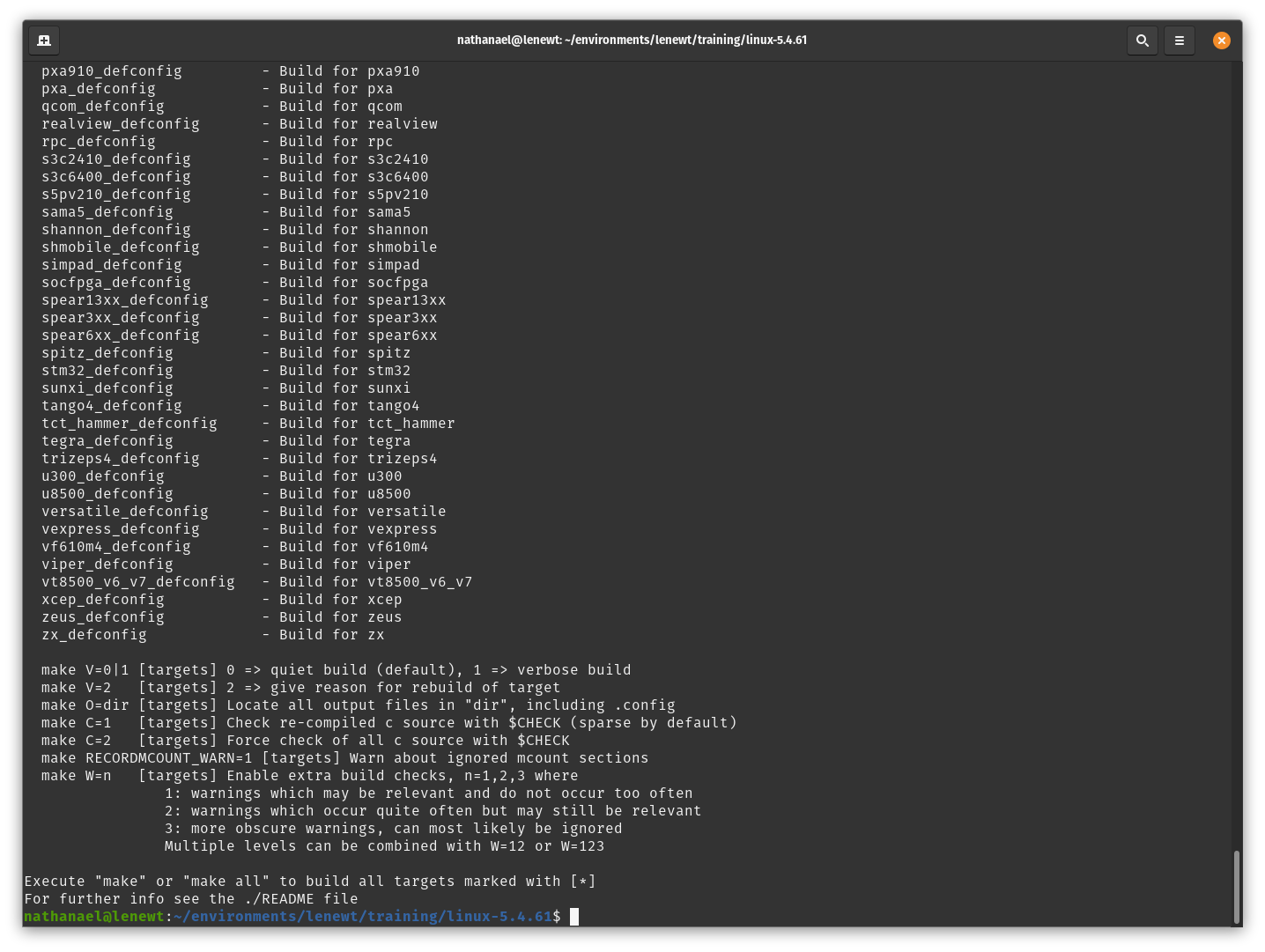
Once you've identified your configuration:
make yourSoC_defconfig
After a few seconds, you should get:
# configuration written to .config
Note that, like with Buildroot, you can also access a configuration menu. This menu allows you to change numerous options and would likely require its own dedicated article. In our case, our SoC's default configuration is sufficient and we won't modify it.
However, if you want to take a look:
make nconfig
Compiling Your ARM Linux Kernel
Now that your configuration is complete, all you need to do is launch the compilation!
To do this:
make
Note that if your machine has multiple cores, you can parallelize the compilation to save time. Here for a machine with 8 cores:
make -j8
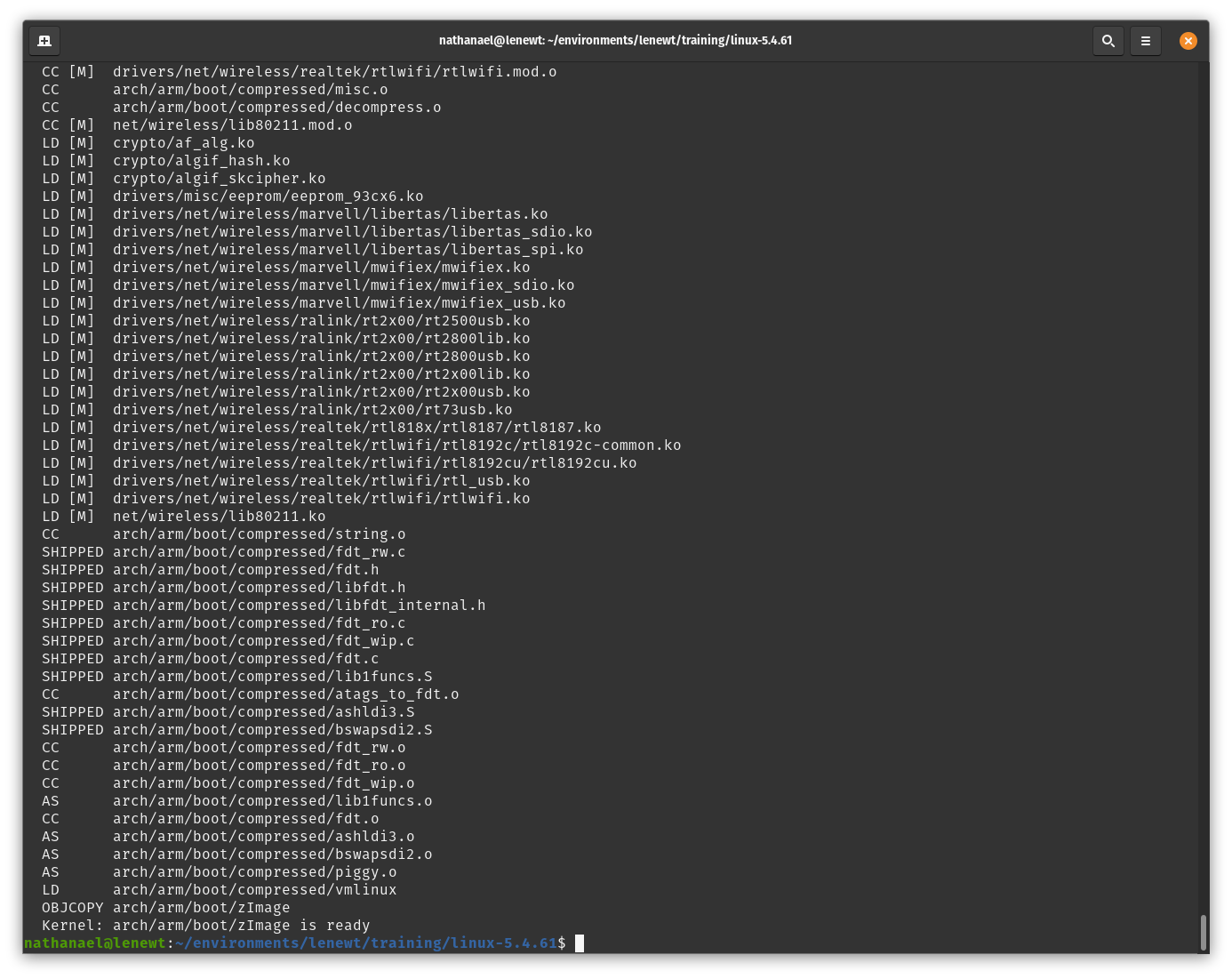
There you have it, your kernel is generated in arch/arm/boot/.
Final Words
Need help developing your connected device or embedded system?
We can handle all or part of your embedded software development, so don't hesitate to contact us—we'll be happy to help!
Stay tuned!