
Lenewt Virtual Keyboard
A modern Qt virtual keyboard plugin for embedded products
A Qt Quick virtual keyboard for embedded Linux products: 32 Latin and Cyrillic languages with word prediction, plus full input methods for Chinese, Japanese and Korean. It takes your product's look and responds instantly, even without a GPU.
Integrate once, then add markets by configuration
Each language you add to a touch product brings its own layout and typing rules, and Chinese, Japanese and Korean need a conversion engine of their own. Lenewt Virtual Keyboard puts all of it behind one Qt component. Your team integrates it once; adding a market then means listing its input profiles and deploying their language data.
See it type


35 languages, 40 ways to type them
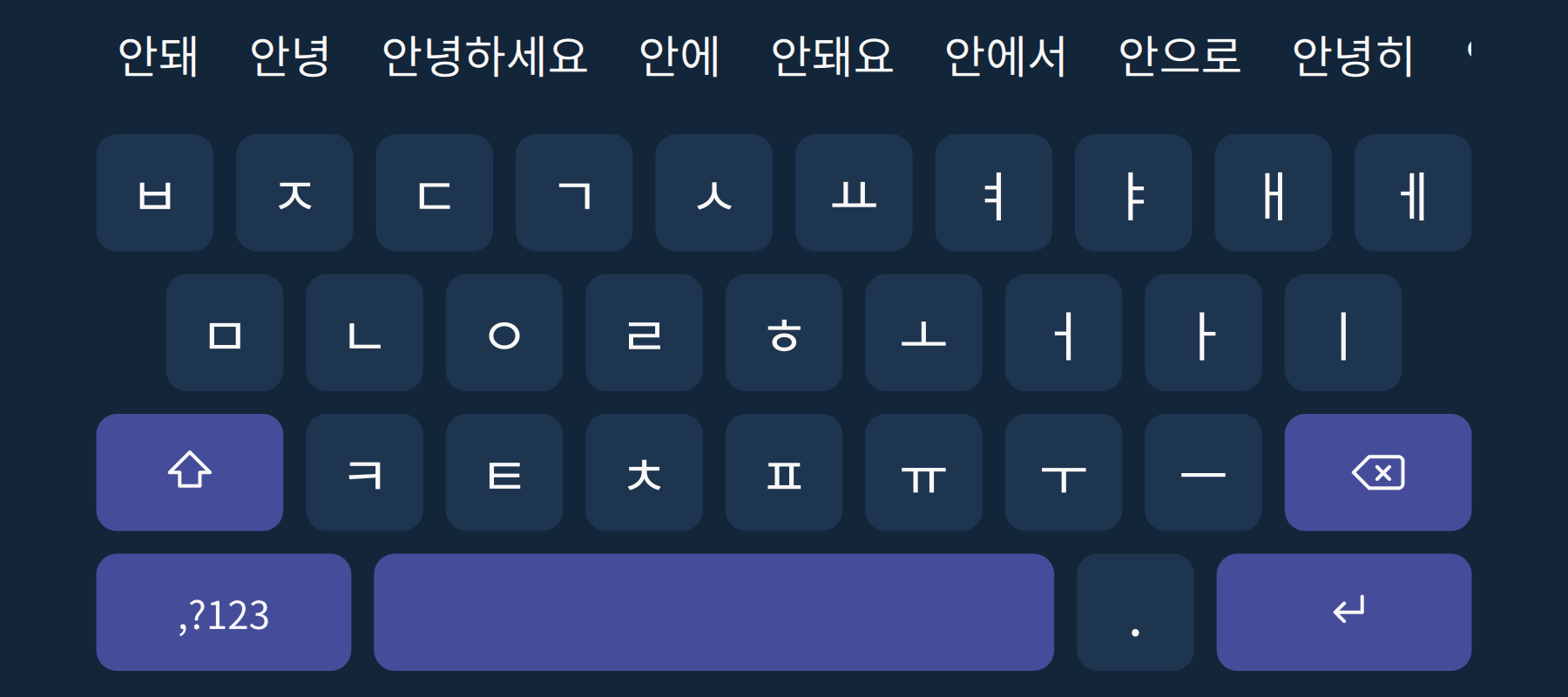
A language is what your user writes; an input profile is how they type it. Japanese, for example, has Romaji on a full keyboard and 12-key flick for small screens. You choose which profiles each product ships. Pick a script to see its layout.
Coming soon: Arabic, Hebrew, Indic scripts, Thai and Greek. Need a layout that isn't listed? We build layouts and input methods to order, quoted as bespoke work.
Themed to your product
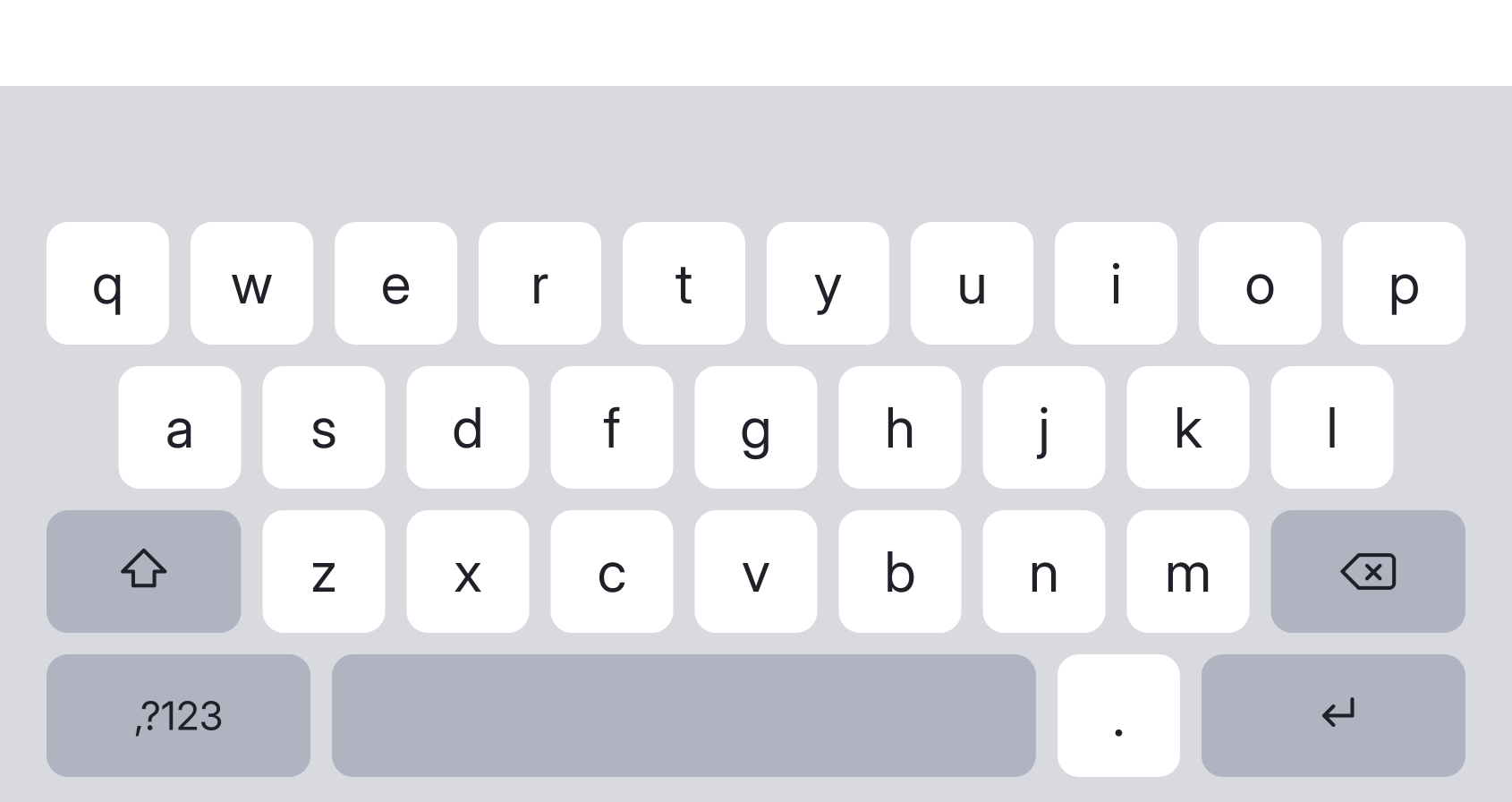
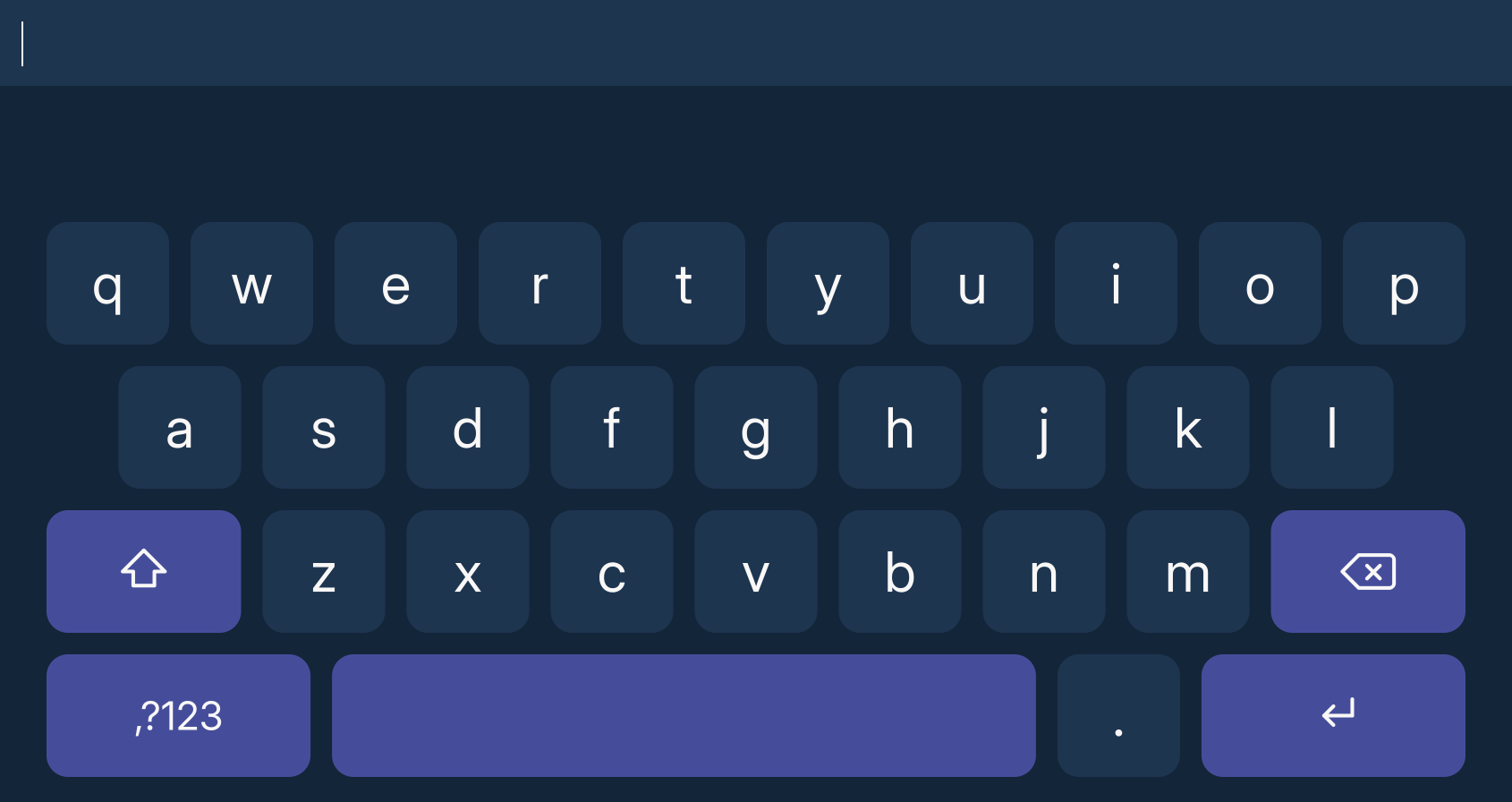

Colours, shapes, typography, spacing: every visual aspect adapts to your product.
What it changes for your team
Integration your team does once
One Qt Quick component in your existing application, with CMake and qmake deploy helpers and a Yocto layer for embedded images.
Fields that adapt
Email, URL, number, phone, date, time and password fields get the right layout from the input hints they already set. No per-field keyboard code; an optional number row is one setting away.
A keyboard that matches your interface
Colours, key shapes, spacing and typography live in a theme file. Light and dark are included; your brand palette is one more theme. Fonts can be bundled per script.
Typing that saves effort
Word completion and next-word suggestions, even with accents left out. In held-out tests, about 40% fewer keystrokes in English, French and German, and at least 30% in the rest. Add your own vocabulary per language (medical, legal, your product names).
Privacy you can promise
Everything runs on the device: no cloud calls, no telemetry. Word learning is optional and under your control.
No second licence to buy
Compatible with Qt used under the LGPL, so the keyboard doesn't push you onto a commercial Qt licence. While your support plan is active, updates keep it current with new Qt releases.
For your engineers: the technical detail
Six lines to a working keyboard
import Ln.VirtualKeyboard 1.0

VirtualKeyboard {
    activeProfileIds: ["en-qwerty", "fr-azerty", "ja-romaji", "zh-Hans-pinyin"]
    theme: Lnvk.Dark
    predictionEnabled: true
}
Profiles and themes switch at runtime. The full API, layout ids and deployment guides are in the documentation.
Fast on modest hardware
Response is instant, even without a GPU. The language engine uses 5 to 14 MB of RAM, depending on the language and the storage mode; your Qt Quick application's own memory comes on top. Language data deploys per language, so flash use follows what you actually ship.
At a glance
| Works with | Qt 5.15 and Qt 6. Older Qt 5 releases on request. |
|---|---|
| Platforms | Linux desktop and embedded Linux, with a Yocto layer. Windows, Android and others on request. |
| Languages | 35 languages, 40 input profiles. Full input methods for Chinese (Pinyin, Zhuyin, Cangjie), Japanese (Romaji, 12-key flick) and Korean (Dubeolsik, Cheonjiin). Arabic, Hebrew, Indic scripts, Thai and Greek coming soon. |
| Prediction | Word completion and next-word suggestions; accent-insensitive matching; custom vocabulary per language |
| Input fields | Layouts follow Qt input hints: email, URL, digits, phone, date, time, passwords. Optional number row. |
| Branding | Colours, key shapes, spacing, typography; light and dark themes included; optional bundled fonts |
| Footprint | 5 to 14 MB of RAM for the language engine; language data deployed per language |
| Privacy | On-device only. No network access, no telemetry. Learning optional. |
| Integration | One Qt Quick component; CMake and qmake deploy helpers; Yocto layer |
| Evaluation | Free evaluation build on request: a demo application with the keyboard integrated |
Evaluate it on your hardware
Tell us your board, your Qt version and the languages you need, and we send a free evaluation build: a demo application with the keyboard integrated, to run on your target. Your team tries it on your own hardware, in your languages, before anything is signed.
- Tell us what you're buildingBoard, Qt version, target languages.
- Get the evaluation buildA demo application with the keyboard integrated.
- Try it on your hardwareOur engineers answer your team's questions.
- Get a quoteSized to your production volume.
Licensing & support
Lenewt Virtual Keyboard is sold under a commercial perpetual licence, scoped to your annual production volume. You pick the tier that matches your output and pay once. Your right to ship up to that volume, on the version you acquire, is yours for good.
The first twelve months of updates and support are part of the licence. After that, an annual plan keeps you current: Qt compatibility, new layouts and profiles, fixes, and direct help from our engineers. If the plan lapses, your devices keep working and you keep the right to ship the version you own.
Bespoke work is quoted separately: specific layouts, custom input methods, integration on particular hardware, and long-term maintenance on a frozen Qt version.
Frequently asked questions
Which languages are ready today?
27 Latin-script and 5 Cyrillic languages with word prediction, plus full input methods for Chinese, Japanese and Korean. Arabic, Hebrew, Indic scripts, Thai and Greek are coming soon. If you need a layout that is not listed, we build it to order.
Will it work in our product?
If your product uses Qt Quick on Qt 5.15 or Qt 6 on Linux, it is designed to. The surest test is your own hardware: we provide an evaluation build, a demo application with the keyboard integrated, to run on your target before you commit.
Do we need another commercial licence?
No. Lenewt Virtual Keyboard is compatible with Qt used under the LGPL licence.
What does the licence cover?
A commercial perpetual licence, scoped to your annual production volume, with twelve months of updates and support. You pay once and keep shipping up to that volume, on the version you bought, indefinitely. Updates within the same major version are included while your plan is active. If you outgrow your tier, you pay the difference to move up.
What happens after the first year?
An annual updates-and-support plan renews each year for a fixed fraction of your tier price. If you choose not to renew, nothing breaks: you keep shipping the version you own. You can resume the plan later; the resumption terms are set out in your licence agreement.